
The Five Generations of Computers
Computers have evolved through five distinct generations, each marked by significant technological advancements that made computers smaller, faster, cheaper, and more powerful.
Learning Objectives
By the end of this lesson, you should be able to:
- Identify the five generations of computers
- Describe the key technology used in each generation
- Compare the characteristics of different generations
- Explain how each generation improved upon the previous
Evolution of Computer Technology
The concept of computer generations helps us understand how computing technology has progressed from room-sized machines to pocket-sized devices, with each generation bringing revolutionary changes.
1. First Generation (1940-1956): Vacuum Tubes
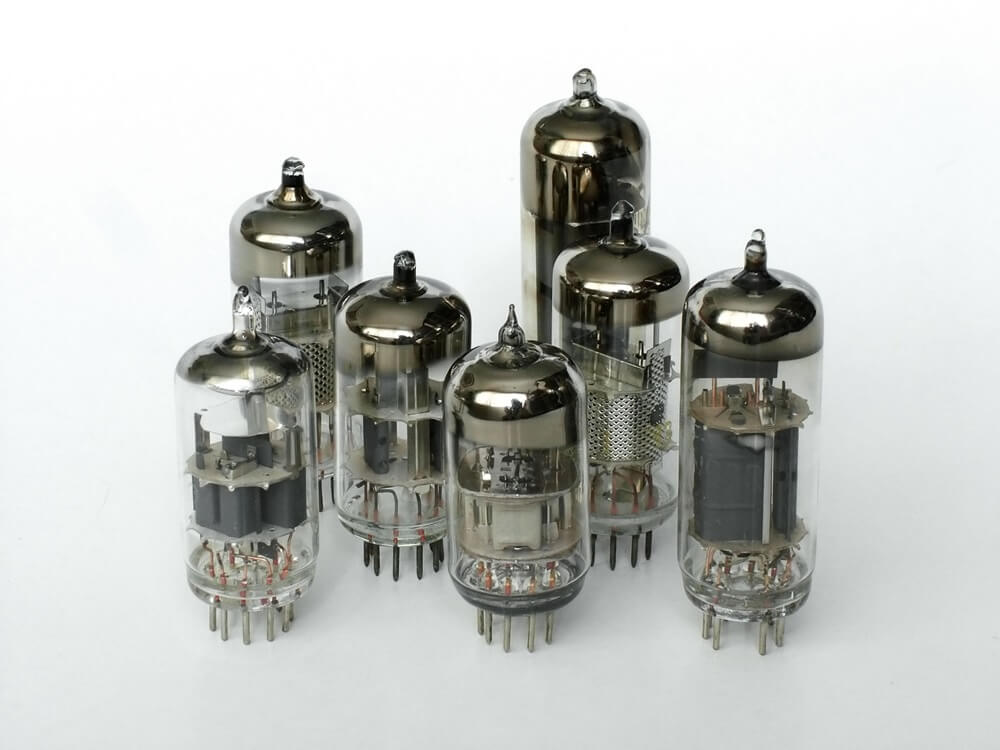
The Beginning of Modern Computing
(1940-1956) The first generation used vacuum tubes for circuitry and magnetic drums for memory. These computers were enormous, consuming entire rooms.
Key Examples:
- ENIAC (1946): First general-purpose electronic computer
- UNIVAC I (1951): First commercial computer
- EDVAC (1949): Stored-program concept
Characteristics:
- Technology: Vacuum tubes (17,000+ in ENIAC)
- Size: Room-sized (30 tons, 1800 sq ft)
- Speed: Milliseconds (thousands of operations/second)
- Memory: Magnetic drums (few kilobytes)
- Programming: Machine language (binary 0s and 1s)
Limitations:
- Extremely large and heavy
- Generated enormous heat (required air conditioning)
- Unreliable (vacuum tubes burned out frequently)
- Very expensive to operate
- Consumed massive amounts of electricity
2. Second Generation (1956-1963): Transistors
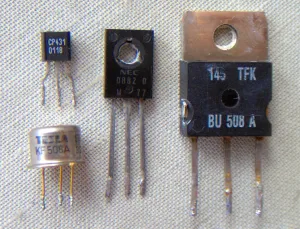
The Transistor Revolution
(1956-1963) Transistors replaced vacuum tubes, making computers smaller, faster, cheaper, more energy-efficient, and more reliable.
Key Examples:
- IBM 1401: Most popular transistorized computer
- UNIVAC 1107: First with thin-film memory
- CDC 1604: First fully transistorized supercomputer
Characteristics:
- Technology: Transistors (smaller, cooler, more reliable)
- Size: Cabinet-sized (still large but smaller)
- Speed: Microseconds (millions of operations/second)
- Memory: Magnetic core memory
- Programming: Assembly languages, FORTRAN, COBOL
Limitations:
- Still generated considerable heat
- Required air conditioning
- Commercial use only (too expensive for individuals)
- Manual assembly of transistors
3. Third Generation (1964-1971): Integrated Circuits
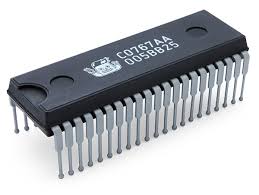
The Microchip Era Begins
(1964-1971) Integrated circuits (ICs) or microchips were developed, allowing thousands of transistors to be placed on a single silicon chip.
Key Examples:
- IBM System/360: First family of computers
- PDP-8: First successful minicomputer
- CDC 6600: Supercomputer champion
Characteristics:
- Technology: Integrated Circuits (ICs)
- Size: Desk-sized (minicomputers emerged)
- Speed: Nanoseconds (billions of operations/second)
- Memory: Semiconductors (RAM and ROM)
- Programming: High-level languages (BASIC, Pascal)
Limitations:
- Still expensive for personal use
- Required specialized knowledge to operate
- Limited software availability
- Business and scientific use primarily
4. Fourth Generation (1971-Present): Microprocessors
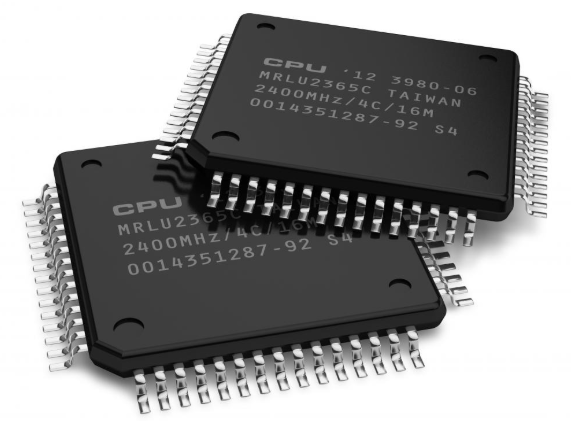
The Personal Computer Revolution
(1971-Present) The microprocessor was invented, putting an entire CPU on a single chip. This led to the development of personal computers.
Key Examples:
- Altair 8800 (1975): First personal computer
- Apple II (1977): First successful mass-produced PC
- IBM PC (1981): Set the standard for PCs
- Macintosh (1984): First successful GUI computer
Characteristics:
- Technology: Microprocessors (VLSI - Very Large Scale Integration)
- Size: Desktop to laptop size
- Speed: Picoseconds (trillions of operations/second)
- Memory: Semiconductor memory (MBs to GBs)
- Programming: Object-oriented programming, GUI interfaces
Limitations:
- Complex software requires powerful hardware
- Security and privacy concerns
- Rapid obsolescence
- Digital divide issues
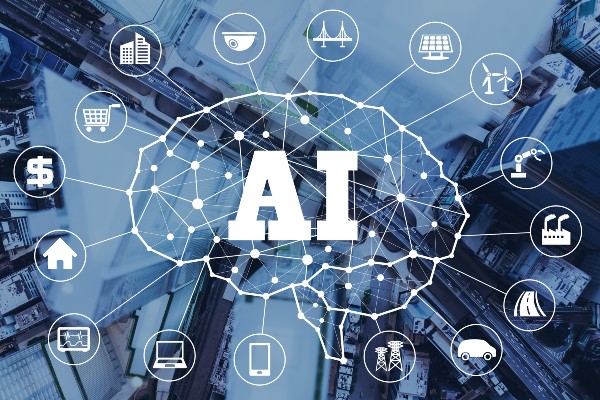
5. Fifth Generation (Present & Beyond): Artificial Intelligence
The Age of Intelligent Machines
(Present & Beyond) Based on artificial intelligence, using parallel processing and superconductors. Computers can understand natural language and learn from experience.
Key Examples:
- IBM Watson: AI system that won Jeopardy!
- Google DeepMind: AlphaGo AI
- Self-driving cars: Tesla, Waymo
- Virtual assistants: Siri, Alexa, Google Assistant
Characteristics:
- Technology: ULSI, AI, parallel processing, quantum computing
- Size: Wearable to invisible (embedded systems)
- Speed: Extremely fast with parallel processing
- Memory: Cloud storage, distributed systems
- Programming: AI languages (Prolog, LISP), natural language processing
Challenges:
- Ethical concerns about AI
- Job displacement fears
- Privacy and surveillance issues
- Dependence on technology
Test Your Knowledge
Which generation of computers introduced the microprocessor, leading to the development of personal computers?
Practice Exercise
Exercise 1: Generation Identification
Identify which generation each characteristic belongs to:
- Used vacuum tubes and consumed entire rooms
- Introduced artificial intelligence and parallel processing
- First to use transistors instead of vacuum tubes
- Brought us personal computers with microprocessors
- Used integrated circuits and introduced minicomputers
Test Your Understanding
Now that you've learned about the five generations of computers, test your knowledge with this comprehensive quiz covering key concepts and characteristics of each generation.
Take Generations TestLesson Summary
Key Technological Advances
Each generation introduced revolutionary technology:
- 1st: Vacuum tubes → Electronic computing
- 2nd: Transistors → Smaller, reliable computers
- 3rd: Integrated circuits → Minicomputers
- 4th: Microprocessors → Personal computers
- 5th: AI & ULSI → Intelligent systems
Evolution Trends
Computers have consistently evolved to become:
- Smaller in size
- Faster in processing
- Cheaper to produce
- More energy efficient
- More accessible to users
Ready for the Next Step
Now that you understand how computers have evolved through five generations, you're ready to explore the components that make up modern computers. The next lesson will introduce you to computer hardware and software fundamentals.